

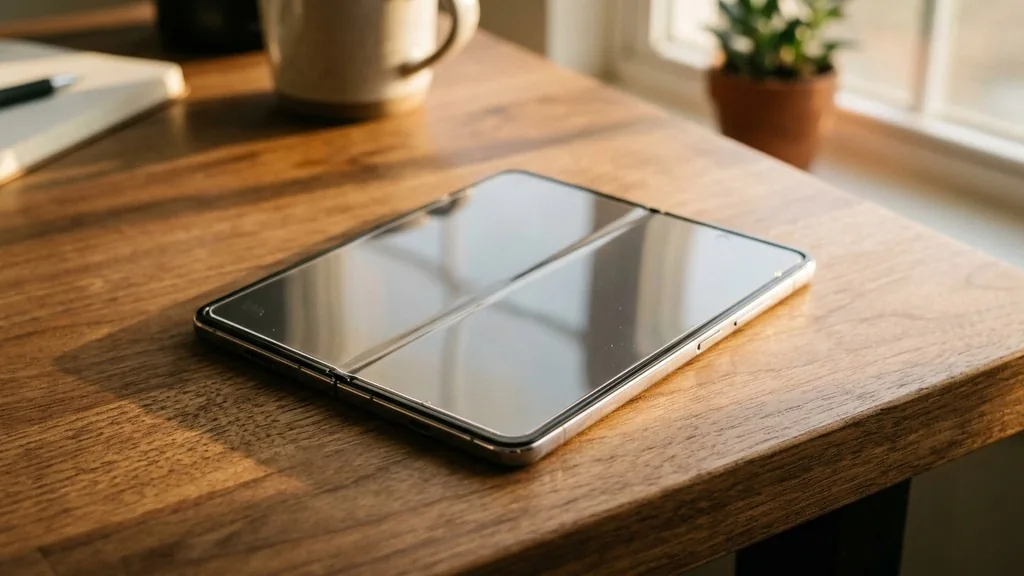
Most people think a thick piece of glass is the safest shield for a phone, but the foldable screen on your device actually hates rigidity. A flexible display requires a flexible cover, or you risk damaging the hinge mechanism over time.
Choosing the best screen protectors for z fold 5 models is less about armor and more about finding a supple material that moves with your phone. Let us walk through the specifics so you can keep your display pristine.
Unlock Prime member deals all year. Join free today.
Start a free 30-day Amazon Prime trial to unlock members-only deals, free fast delivery, and Prime Video.
Try Amazon Prime Free
$14.99/month (plus tax) after trial. Cancel anytime. We may earn a commission if you sign up.
Key Takeaways
- Prioritize thermoplastic polyurethane over tempered glass to ensure your screen continues to fold without resistance.
- Verify the kit includes a dry and wet wipe along with a dust absorber to prevent bubbles during application.
- Look for a self-healing layer that can absorb minor scratches and return to a smooth surface overnight.
- Confirm the transparency level is high enough to maintain the vivid color accuracy of your internal display.
- Choose an anti-glare finish if you frequently work under harsh overhead lights or outdoors in direct sun.
| Best For Bright Light |  |
Matte Anti-Glare Z Fold 5 Protector | Reduces annoying screen glare | Excellent smudge resistance | Multiple spares included | View on Amazon | Read Review |
| Flexible Screen Shield |  |
KCT TPU Foldable Screen Film | Flexible material construction | Self-healing minor scratches | Fits both Fold generations | View on Amazon | Read Review |
More Details on Our Top Picks
-
Matte Anti-Glare Z Fold 5 Protector
If you spend a lot of time working outdoors or under harsh office lights, this matte protector is your ideal companion. The textured surface acts like a diffuser for light, which effectively kills those distracting reflections that usually turn your screen into a mirror.
You get a three-pack in the box, which provides a nice safety net if your first application attempt goes sideways. While the matte finish is excellent for reducing glare, keep in mind that it can slightly soften the sharpness of your display compared to a crystal-clear glass option.
- Surface Finish:Matte
- Pack Quantity:3
- Compatible Models:Galaxy Z Fold 5
- Additional Feature:Anti-fingerprint coating
- Additional Feature:Smooth tactile touch
- Additional Feature:Reduces light reflection
-
KCT TPU Foldable Screen Film
Sometimes you need a protector that moves with the device rather than one that might crack under pressure. This TPU film is remarkably flexible, making it a perfect fit for a folding mechanism that sees a lot of action throughout your busy day.
Because it is made from thermoplastic polyurethane, it offers a self-healing quality that allows minor scratches to disappear over time. Just be aware that soft films require a bit more patience during the installation process to ensure you push out all those tiny air bubbles.
- Material Type:TPU
- Compatible Models:Galaxy Z Fold 5 and Z Fold 4
- Additional Feature:Impact-absorbing layer
- Additional Feature:High touch sensitivity
- Additional Feature:Thin profile design
Frequently Asked Questions
Can I install a glass protector on the inner folding screen?
No, you should never attempt to put glass on the inside. The inner display must flex every time you close the phone, and glass will simply snap under that tension. Stick to flexible TPU films that are specifically marketed for foldable devices.
Is it difficult to apply these protectors without getting bubbles?
It requires a steady hand, but many kits now include alignment frames that act like a guide to keep everything centered. Start by cleaning the screen with an alcohol wipe and using a dust sticker to remove every single speck. If you work in a dust-free environment like a bathroom after a steamy shower, your success rate will increase significantly.
Will a screen protector interfere with the S Pen?
A thin plastic film should have no effect on your S Pen performance. However, thicker glass protectors on the outer screen can occasionally make the digitizer less responsive to fine pressure. Always choose a protector that explicitly claims S Pen compatibility to avoid input lag.
What should I do if the edges start to peel?
Peeling is usually a sign that your case is pressing too hard against the protector. You can try to smooth the edges down with a microfiber cloth, but once the adhesive collects dust, it will not stick properly again. It is usually best to replace the film rather than letting debris scratch the screen underneath.
Do I need to remove the factory-installed screen protector first?
The inner screen comes with a factory-applied film that is part of the display assembly. You should leave that film in place as long as it is intact. If it starts to bubble or peel, take it to a professional service center rather than pulling it off yourself, as you could damage the screen underneath.


