

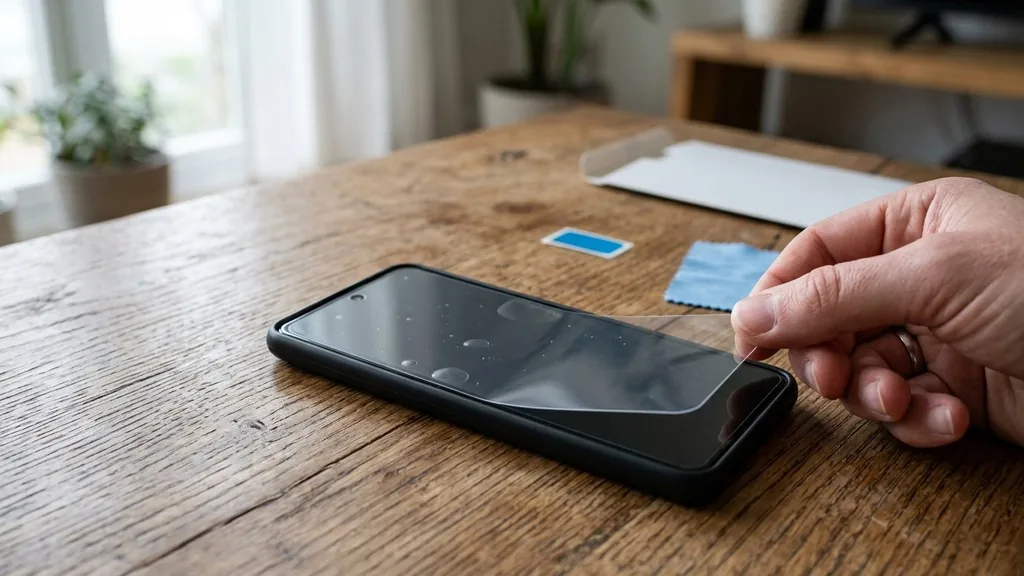
Does your screen feel like a magnet for every scratch in the house? Keeping that edge-to-edge display pristine is a chore, especially on a device with such distinct curves.
Finding the best screen protectors for google pixel 7 pro makes all the difference in keeping your device fresh. Let us compare these choices to help you decide.
Get Amazon Prime free for 30 days before you order
Get more out of every purchase on this page, at no cost during the trial.
After the trial, Amazon Prime is $14.99/month (plus tax). Cancel anytime. Students and ages 18–24 can save 50%, and a discounted plan is available for qualified government assistance. We may earn a commission if you sign up.
Key Takeaways
- Prioritize thin materials to ensure the ultrasonic fingerprint sensor recognizes your touch without delays.
- Always check if the package includes alignment tools because applying a film to a curved screen is notoriously difficult.
- Look for oleophobic coatings that actively resist oils and fingerprints to keep your display looking clean throughout the day.
- Consider whether you prefer a flexible TPU film for better adhesion on curves or tempered glass for superior scratch protection.
- Ensure the lens cover set has precise camera cutouts so your flash and image quality stay perfectly sharp.
| Best Complete Bundle |  |
LK Pixel 7 Pro Protector Kit | Includes lens protection | Fits curved screen edges | Bubble free alignment tools | View on Amazon | Read Review |
| Minimalist Barely There |  |
Supershieldz Clear TPU Film | High transparency finish | Thin profile design | Maintains touch accuracy | View on Amazon | Read Review |
More Details on Our Top Picks
-
LK Pixel 7 Pro Protector Kit
If you want to protect your entire phone in one go, this is the clear winner. It includes two screen protectors and two camera lens guards, which makes it a fantastic value for anyone worried about scratches on both sides of their device.
The flexible film material is specifically designed to handle the curved edges of the Pixel 7 Pro screen. Because it is not rigid glass, it wraps around those slopes rather than peeling up or creating unsightly gaps. Just keep in mind that applying a film protector requires a steady hand to avoid bubbles.
- Brand:LK
- Material:Flexible TPU film
- Quantity:Two screen protectors
- Includes Lens Protector:Yes
- Application Method:Wet install alignment guide
- Touch Sensitivity:Fully responsive
- Additional Feature:Oleophobic coating reduces fingerprints
- Additional Feature:Scratch resistant surface layer
- Additional Feature:Self healing minor scratches
-
Supershieldz Clear TPU Film
Pick this option if you prefer an invisible barrier that does not change the feel of your phone screen. These thin TPU shields focus on clarity and basic scratch protection without the added bulk or thickness of tempered glass.
Since these are high definition clear films, they maintain the vibrant colors of your display perfectly. They are thin enough that the fingerprint sensor usually works without any issues after you recalibrate your saved prints. The trade off is that they offer less impact protection than a thick piece of glass would provide.
- Brand:Supershieldz
- Material:TPU film
- Quantity:Two screen protectors
- Application Method:Manual alignment
- Touch Sensitivity:Maintains factory feel
- Additional Feature:Anti scratch surface coating
- Additional Feature:Residue free removal
- Additional Feature:Precision cut shape
Frequently Asked Questions
Will a glass screen protector affect my phone case?
Some cases with a high lip might push against the edges of a full-coverage screen protector. This causes the glass to lift and bubble at the corners. Check if your chosen protector is labeled as case-friendly, which usually means it is cut just a fraction of a millimeter smaller to avoid this conflict.
How do I get rid of bubbles during installation?
Tiny bubbles are usually caused by trapped dust or lint that settled on the screen before you dropped the glass down. If you see a bubble with a speck of dust inside, you cannot push it out. You must carefully lift the edge, use a piece of clear adhesive tape to grab the dust, and lower the glass back into place.
Is tempered glass stronger than plastic film?
Tempered glass is significantly better at absorbing impact to protect your actual display from cracking during a drop. Plastic or TPU film is mainly there to prevent surface scratches from keys or coins in your pocket. If you are prone to dropping your phone, glass is the superior choice for safety.
Do I need to re-register my fingerprints after applying the glass?
It is a very good idea to delete your old fingerprints and add them again after the protector is on. This helps the sensor adapt to the new layer of material over the scanner area. You should also ensure your hands are clean and dry when you record the new prints for the best results.
Can I remove a glass protector if it cracks?
Yes, you can carefully pry it off if it breaks. Use a thin plastic card or a guitar pick to slowly lift one corner of the glass. Once the edge is up, apply gentle, even pressure as you lift to pull the adhesive away from the screen without leaving residue behind.


